Print Online Received Checks
Step 1 of 3
The Print Online Received Checks wizard will print checks you have received from iVersaCheck (http://www.iVersaCheck.com).
From the main print menu select the Check Drafts/iVersaCheck tab and click
the link for Print Online Received Checks.
Step 1 of 3
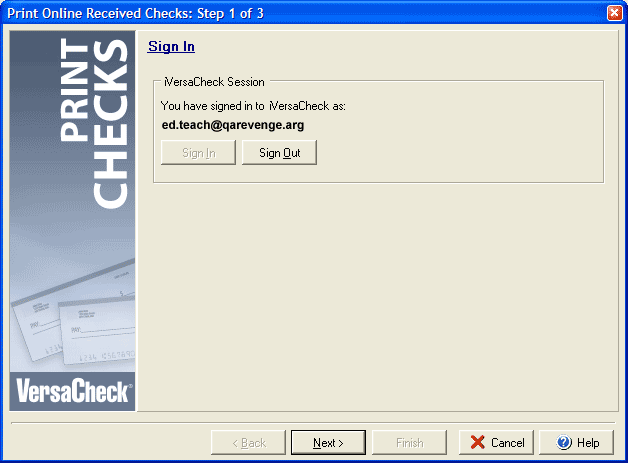
If you are not currently signed in to iVersaCheck click the Sign In button. If you need to change
the user you will need to Sign Out and then Sign In again using the correct email
address and password. Click Next to continue to Step 2.