Receive Checks
The Receive Checks dialog will allow you to directly download checks from your iVersaCheck account (http://www.iVersaCheck.com). Click the Receive Checks button at the top of the main program window.
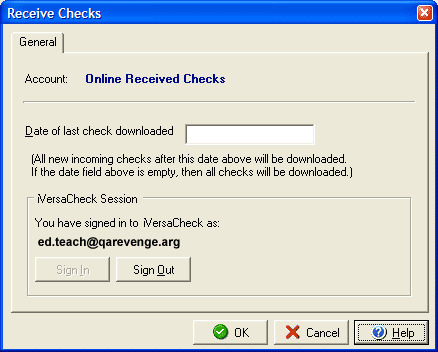
In the Date of last check downloaded field you an leave the date that you last downloaded checks and receive only new incoming checks or you may clear the field and receive all checks. If you are not already signed in to iVersaCheck you can click the Sign In button to connect to your account.