Install - Download. Where do I get the download purchase. Need to re-download my software.
1. Click on the link below for the Account Manager log in screen:
http://www.versacheck.com/web/accountmanager/SignIn.aspx
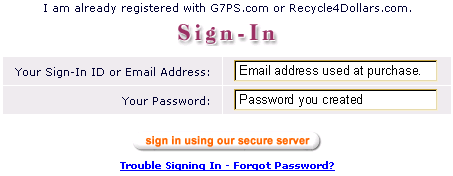
2. Sign in with your email address and password that was used when you purchased the software.
Image 1
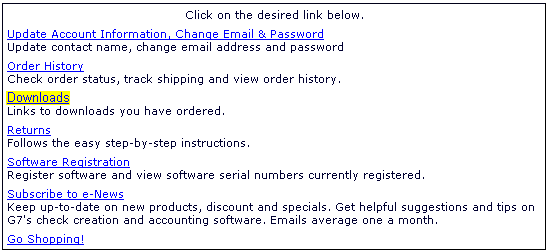
3. Click on "Downloads".
Image 2
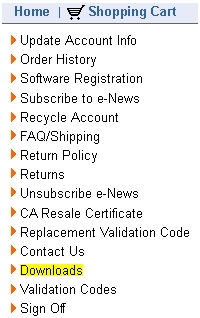
Image 3
4. Click on the blue serial number to initialize the download.
Image 4

5. Select to "Save" the file to your desktop.
Image 5
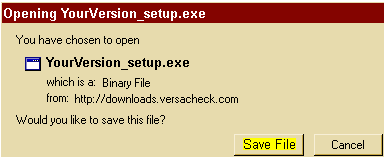
6. After the download is complete, close all screens and return to your desktop.
FOR WINDOWS XP:
Double click on the setup.exe icon on the desktop to launch the install. Follow the directions on screen to install.
Image 6
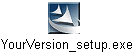
FOR WINDOWS VISTA OR WINDOWS 7:
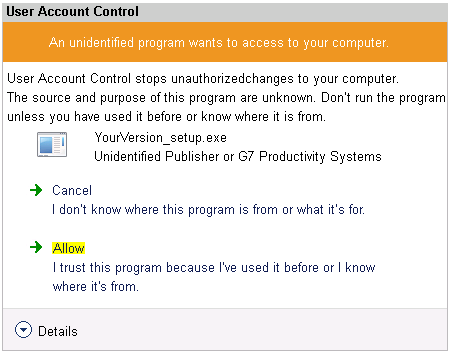
Right click on the setup.exe icon on the desktop, select the "Run as Administrator" option from the drop down menu. Select to allow/continue if the security warning appears. Follow the directions on screen to install.
Image 7
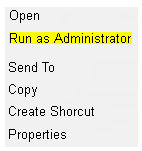
Image 8