Send Checks
Step 1 of 3
The Send Checks wizard will allow you to connect to iVersaCheck (http://www.iVersaCheck.com)
and send checks online. To access the Send Checks wizard click the Send Checks button at
the top of the main program window.
Step 1 of 3
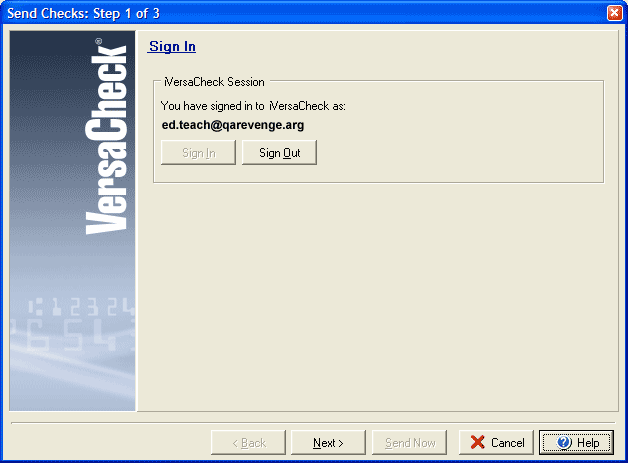
The first step of the Send Checks wizard will ask you to sign in if you are not already connected to your iVersaCheck account. Click the Sign In button to open the iVersaCheck Sign In box.
Step 2 will allow you to select the account(s) from which to send checks, and Step 3 will allow you to indicate which check(s) to send.