(Step 2 of 2)
The Import Transactions feature will allow you to get transactions from other
files or programs and bring them into VersaCheck SI&E. From the File menu
select Import and then Transactions to open the Import Transactions wizard.
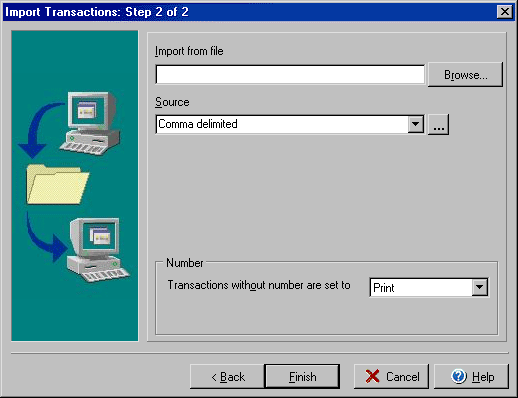
- Enter the location/name of the file you wish to import or click the browse
button to search.
- Choose the Source that the file will import. (This can be used later for
filtering lists and searches as well.)
- The Number section allows you to determine if a transaction without a number
should be set as Print or Send.
- Click Finish to import the transaction information.