Send Invoice
(Format tab)
The Send Invoice wizard allows you to send the invoices that you create directly
to your customers. From the Invoice dialog box select
the Send Invoice button.
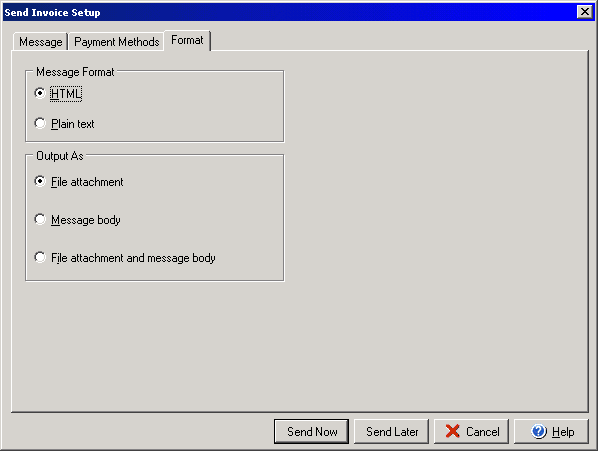
The Format section allows you to choose either HTML or Plain text as the email type and allows you to select whether or not the invoice should be a separate file attachment, included in the body of the email or included in the body and as an attachment. You may edit the message itself under the Message tab or add payment preference information under the Payment Methods tab.