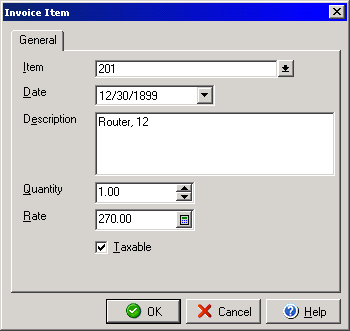
Invoice Item
The Invoice Line Item dialog box allows you to create individual invoice list
items to add to invoices you create with the Invoice dialog
box by clicking the Add button.
Enter a name or part number in the Item field. Enter a date and short description for the item in the Date and Description fields. Enter the total number of this item to be added to the invoice in the Quantity field. In the Rate field enter the cost amount for each item to be added. Checking the Taxable check box will apply tax to the particular item(s) on the invoice.