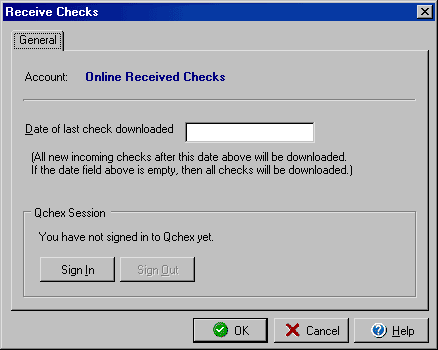
Receive Checks
If you have previously set up a Qchex* account, you can download checks directly
into VersaCheck SI&E by clicking the Receive Checks icon in the top icon
bar.
Click the Sign In button to log in to your Qchex account and then click OK to download checks.
*For more information about the Qchex service, please visit www.qchex.com.