Firewall Settings
The Firewall Settings dialog allows you to set information for VersaCheck to work in conjunction with your network firewall. From the Options dialog click the Advanced tab and click the Firewall button.
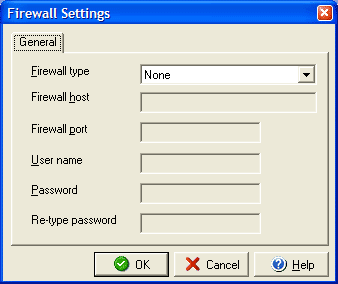
If you use a firewall it may be necessary to enter certain
information about its settings in order for VersaCheck to use
any network or Internet related features. In the Firewall type
drop down menu select the type of firewall in use and in the Firewall
host field enter the address or domain name of your firewall or its host machine.
Enter the port to use with the firewall and the user name and
password you set up with the firewall.