Set Password
The Set Password dialog box allows you to create a password to protect your sensitive VersaCheck Data. From the File menu select Password.
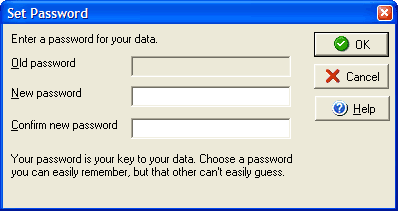
- To create a new password, type in the password in the New box and again in the Confirm box to insure that is typed correctly, and then press OK.
- To change an existing password, type in the current password in the Old box, and then type your new password in the New and Confirm boxes. Finish by clicking OK.