Print Options Tab
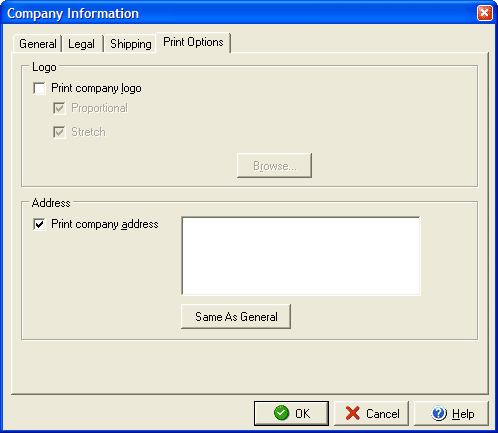
The Print Options tab allows you to select whether to use a company logo on invoices and estimates and which, if any, address to print. To add your logo check the Print company logo box and then click the Browse... button to search for the image to use. If you check the Proportional check box the image will be forced to constrain it's height and width dimensions (to prevent the image from looking stretched out.) By checking the Stretch box the image will be resized to fit within the space allotted for logos on the invoice template by either enlarging or shrinking the image to fit. It is best to leave both these options checked.
If you wish to have an address print on invoices and estimates, make sure the Print company address box is checked and enter the address to use in the text field. If you wish to use the general address, click the Same As General button.
You can also add or edit information about your company with the General, Legal and Shipping tabs.