Object Properties
The Object Properties dialog box will allow you to set the size and location of multiple objects at once by control clicking the different objects and then right clicking one of the objects and selecting Object Properties from the context menu.
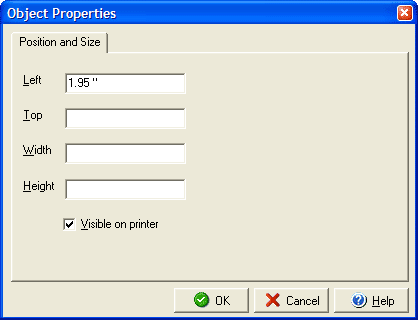
You can determine the objects location by entering the distance in inches for the left side in the Left field and the distance in inches from the top in the Top field. You can set the width and height of the bounding box in the corresponding Width and Height boxes. You can prevent the object from printing on the face of the check by unchecking the Visible on printer box.