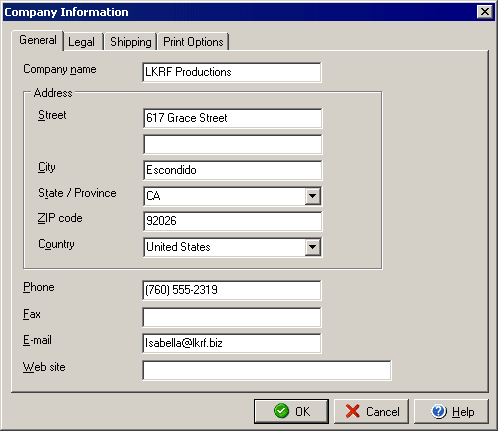
Company Information
General Tab
The Company Information dialog box allows you to set up the information and
addresses for your company. From the main Business menu, select Company Information.
The General tab of the Company Information dialog allows you to enter the name and contact information for your company. This information will be used with any invoices or estimates that you create.
You can also add or edit information about your company with the Legal, Shipping and Print Options tabs.
|
||||||
| Silver Express | Silver | Gold | Platinum | Corporate | ||
 |
|
|
 |
|
||