Print Check Draft Wizard
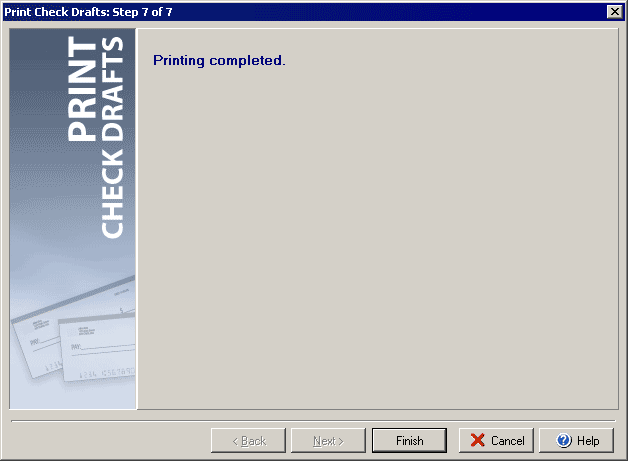
Step 7 of 7
To print check drafts click the Print Checks button at the top of the main VersaCheck window
and then select Print Check Drafts under the Check Drafts/Qchex tab.
Step 7 will confirm that all printing has completed.
Click Setup to open the Print Draft Settings dialog.
|
||||||
| Silver Express | Silver | Gold | Platinum | Corporate | ||
 |
|
|
 |
|
||