Print Check Draft Wizard
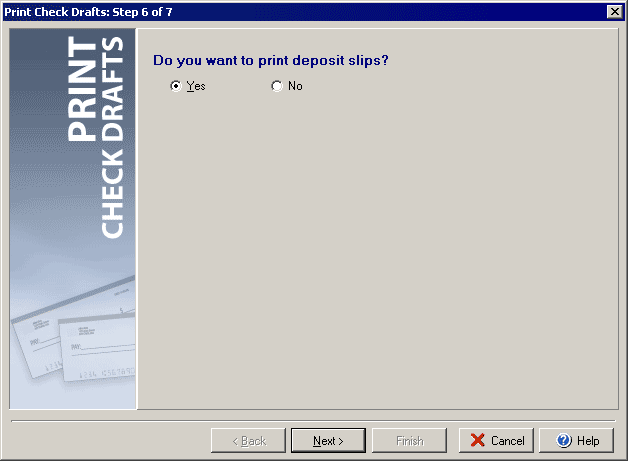
Step 6 of 7
To print check drafts click the Print Checks button at the top of the main VersaCheck window
and then select Print Check Drafts under the Check Drafts/Qchex tab.
Check Yes if you wish to print deposit slips for the check drafts that you printed, or No to skip printing deposit slips.
Click Setup to open the Print Draft Settings dialog Next to continue on to Step 7.
|
||||||
| Silver Express | Silver | Gold | Platinum | Corporate | ||
 |
|
|
 |
|
||