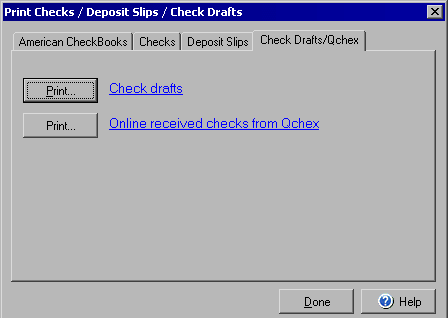
Print Checks / Deposit Slips / Check Drafts
Check Drafts/Qchex
The Print Checks / Deposit Slips / Check Drafts dialog box works as a menu to open the print wizards
for different types of checks, deposit slips, etc. From the main VersaCheck window click the Print
button.
The Check Drafts/Qchex tab will allow you to print Check Drafts for customer payments and Online received checks from Qchex (http://www.qchex.com)
Other print options are available by using the American Checkbooks, Checks, and Deposit Slips.